
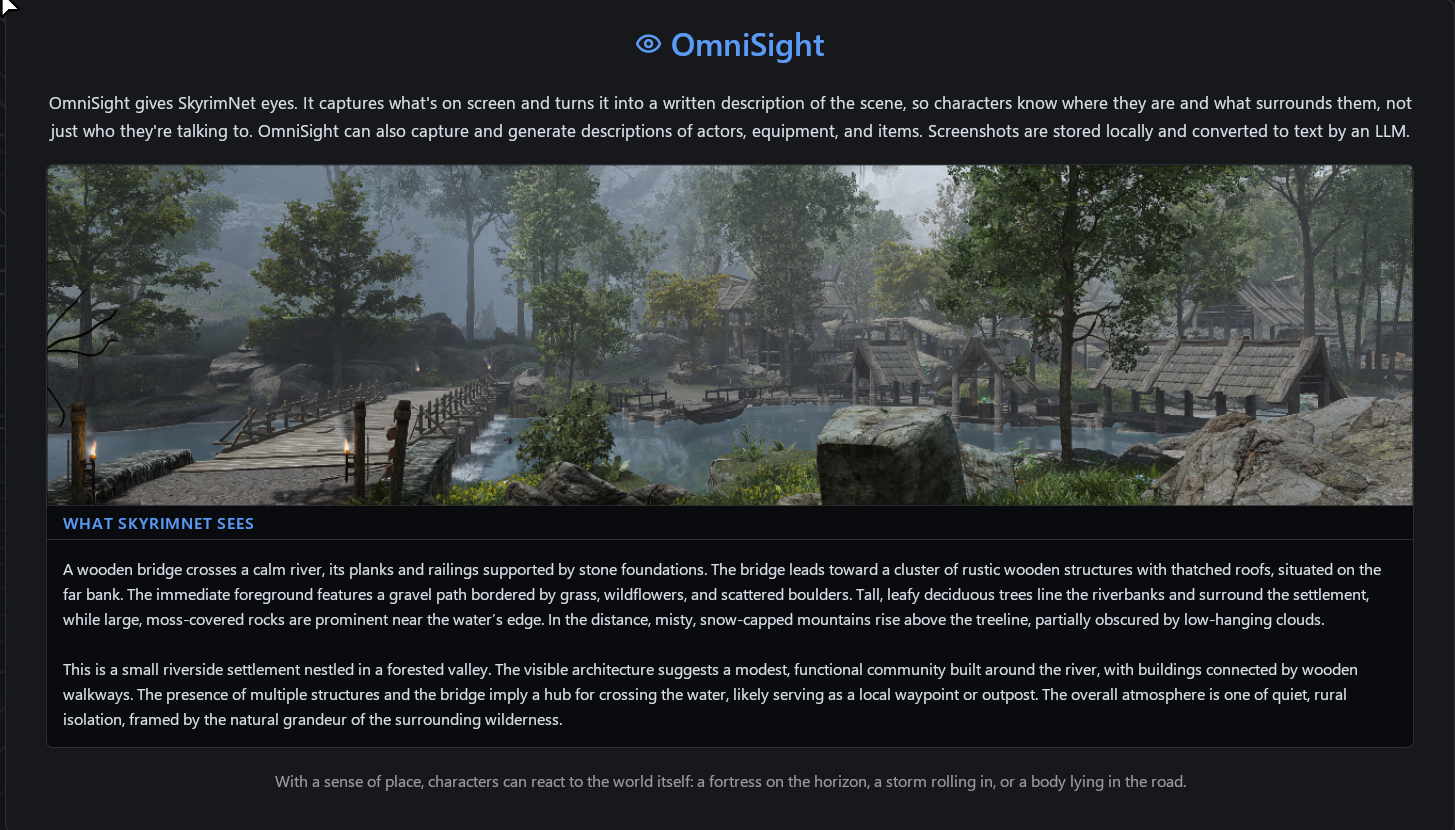
OmniSight System
OmniSight is SkyrimNet’s AI-powered image-to-text system that gives the LLM real, continuous visual awareness of the game world. It captures in-game screenshots automatically or on demand, analyzes them with a vision model, and generates detailed descriptions , injected in the NPC surrounding context and dynamic behaviors.
Core Features
📸 Automatic Screenshot Capture
- Captures images during player-initiated dialogue, when entering new areas, or via the background worker.
- Provides passive, continuous world awareness without any user interaction.
🎯 Hotkey Target Scan
- Press a hotkey to capture and describe the NPC or object under the crosshair.
- Hold the hotkey to capture the player character.
- Actor captures override the actor’s static bio “appearance” text with real visual data.
🧠 Vision-Enhanced LLM Awareness
- AI can “see” NPCs, posture, clothing, objects, structures, clutter, terrain, and architecture.
- Automatically respects first-person vs third-person camera perspective so the model never misinterprets the player model.
🖼️ Dashboard Integration
- Dashboard displays the latest screenshot and the AI-generated description.
- All captures are stored on a dedicated OmniSight page for browsing.
- Useful for debugging and understanding AI/NPC reactions.
💰 Budget Friendly, even if always on
- Extremely low-cost by default: < $0.0004 per capture. That means more than 2000 screenshots per dollar, allowing you to play with it always on, without worries of breaking the bank
( you can still set limitations on its usage, see below)
Vision Prompt System
OmniSight uses specialized prompt templates for:
- Actor descriptions (appearance, visible equipment, build, posture)
Actor descriptons are taken manually, using omnisight hotkey, stored and if available, used in place of the "appearance bios block", providing a much more detailed and updatable description to the npcs.
To send a player screenshot press and hold the hotkey, instead of just clicking it
- Location descriptions (architecture, objects, terrain, layout)
Each time the player enters a new location, a screenshot is taken and evaluated. Location descriptions are stored and used to provide surrounding context to the npcs.
- Scene descriptions (real-time environment + NPC activity)
Taken whenever the player engages and speaks with someone. This way the llm is aware of the current scene.
The Scene screenshot is taken whenever an input text or speech is done.
It can then work as a all-around screenshot taker, since you dont even need to produce the input, just open the text box.
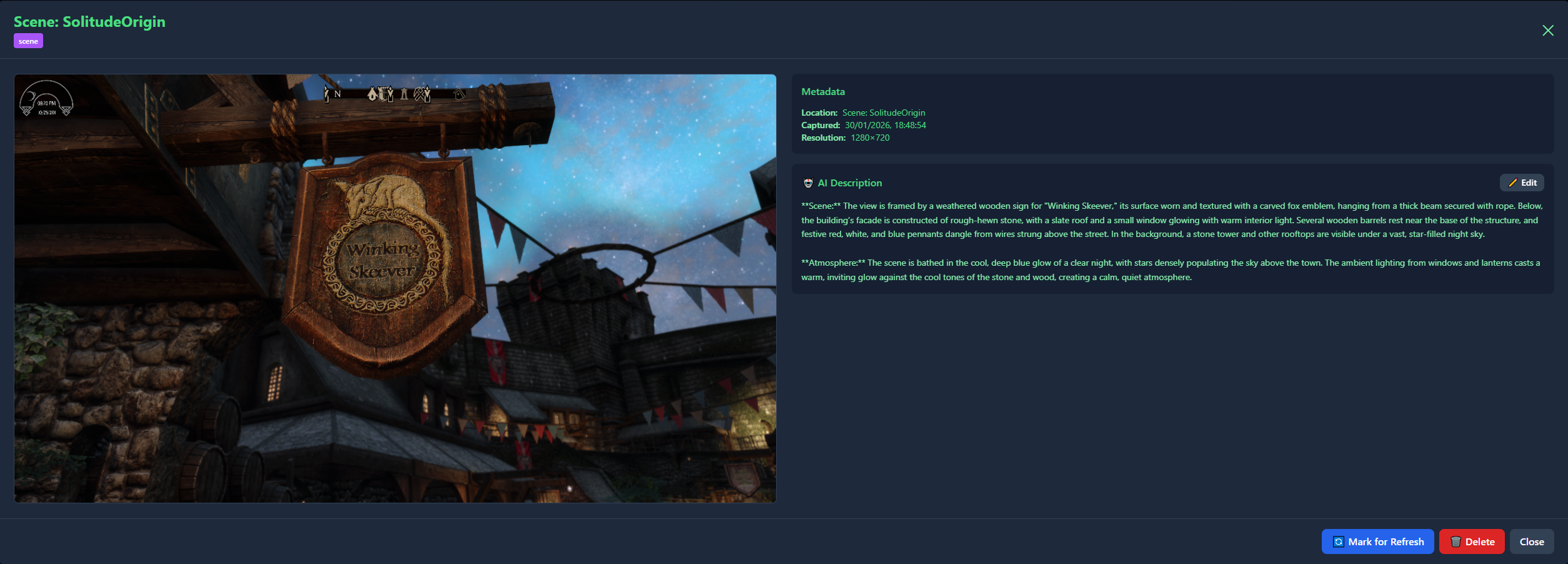
The scene description will appear until a new one is taken.
- Furniture descriptions( function, design, materials, notable characteristics)
All templates enforce:
- Strict grounding in what is visible
- No UI-based naming or unseen detail inference
- Authoritative NPC-visible list rules
- First-/third-person perspective logic
- Objective, lore-appropriate language
What OmniSight Enables
- Dynamic AI responses based on real visual context
- More lifelike NPC interactions and situational awareness
- Reduced need for data integration
- A world where the AI actually sees what is happening
Configuration Options
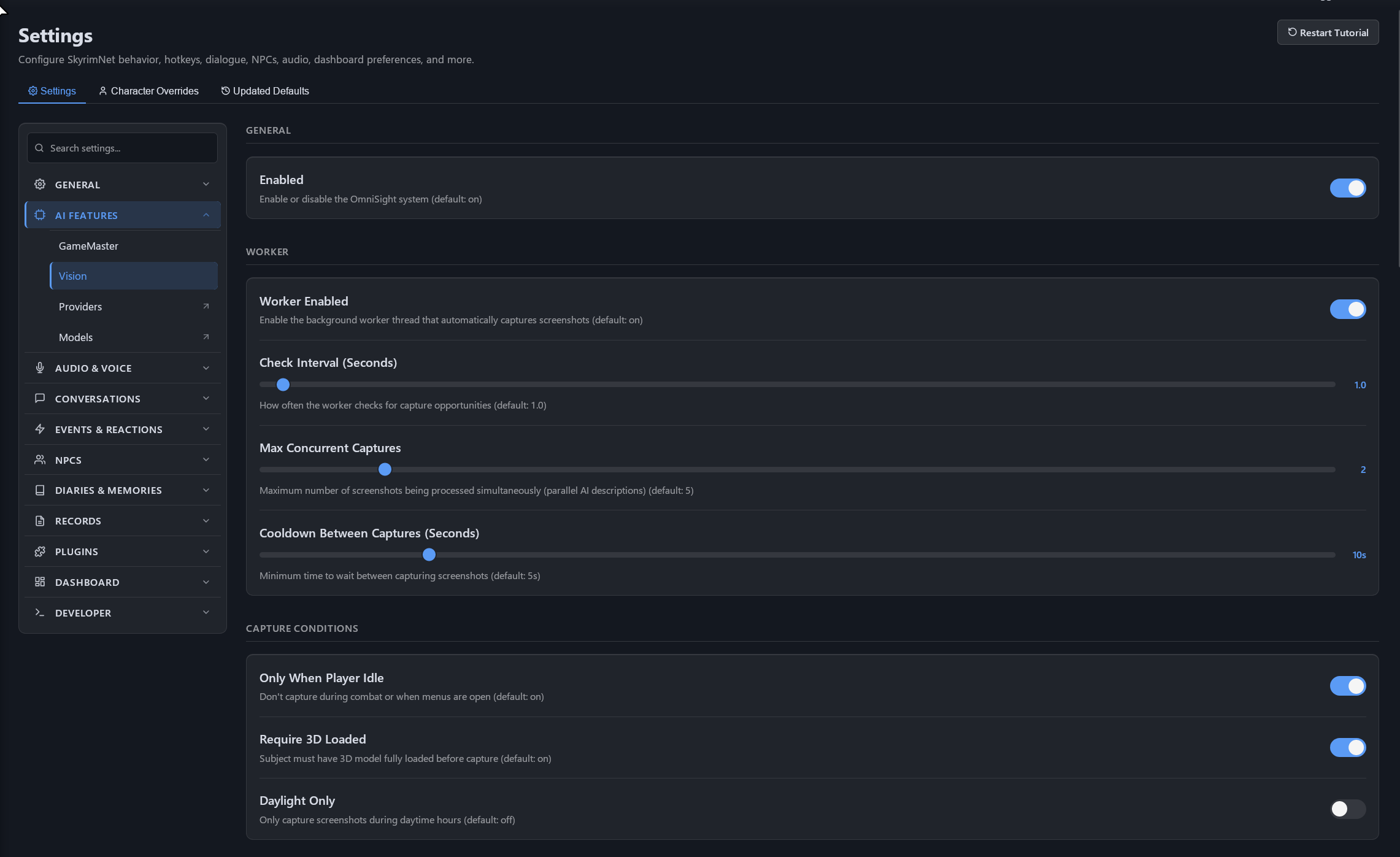
General
- Enable or disable OmniSight globally.
Background Worker
- Does passive continuous capturing.
- Adjustable:
- Check interval
- Max concurrent captures
- Cooldown between captures
Capture Conditions
- Capture only when player is idle.
- Require fully loaded 3D models.
- Optional daylight-only outdoor capturing.
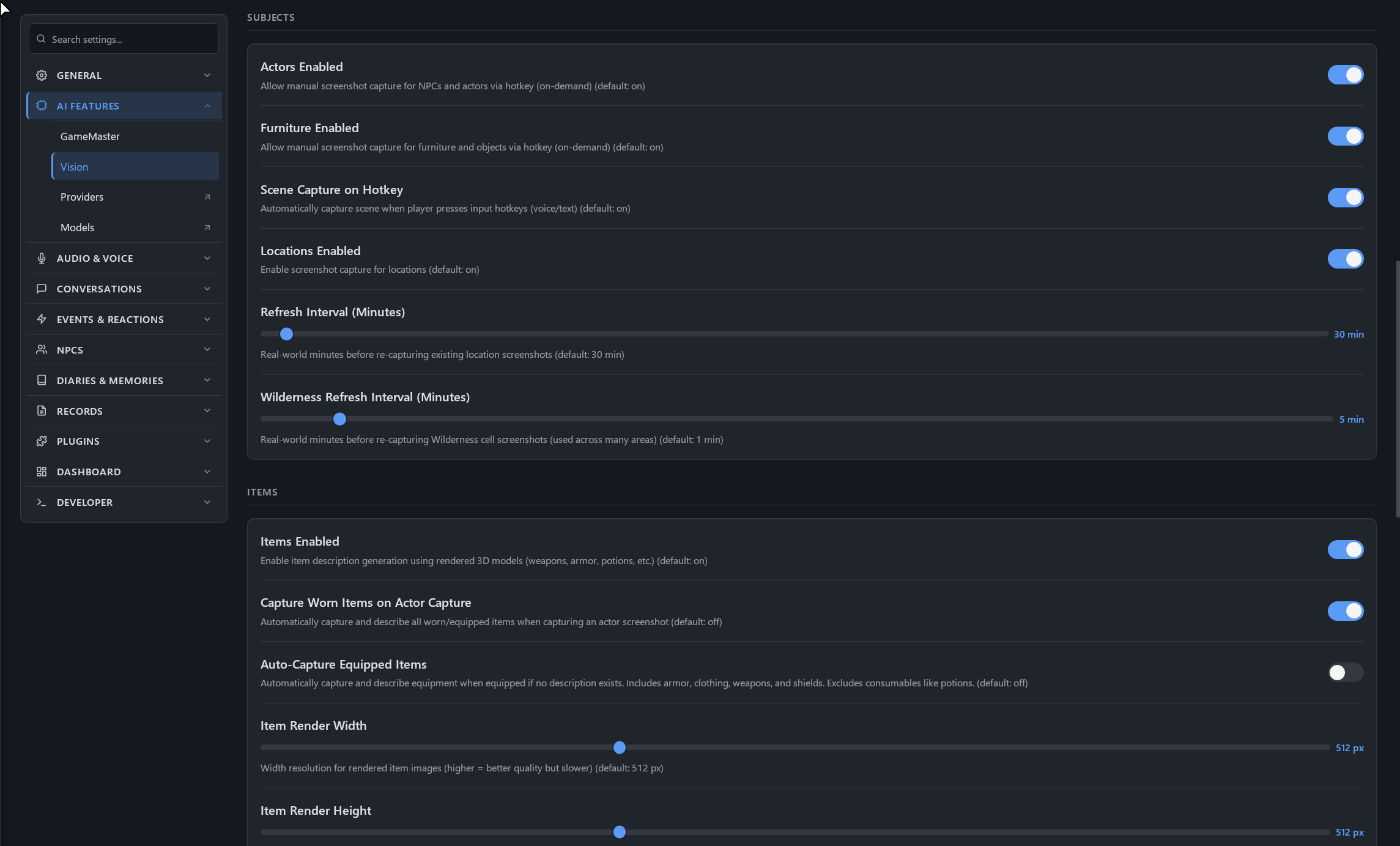
Subjects
- Toggle Actor captures (hotkey-driven).
- Toggle Location captures (automatic).
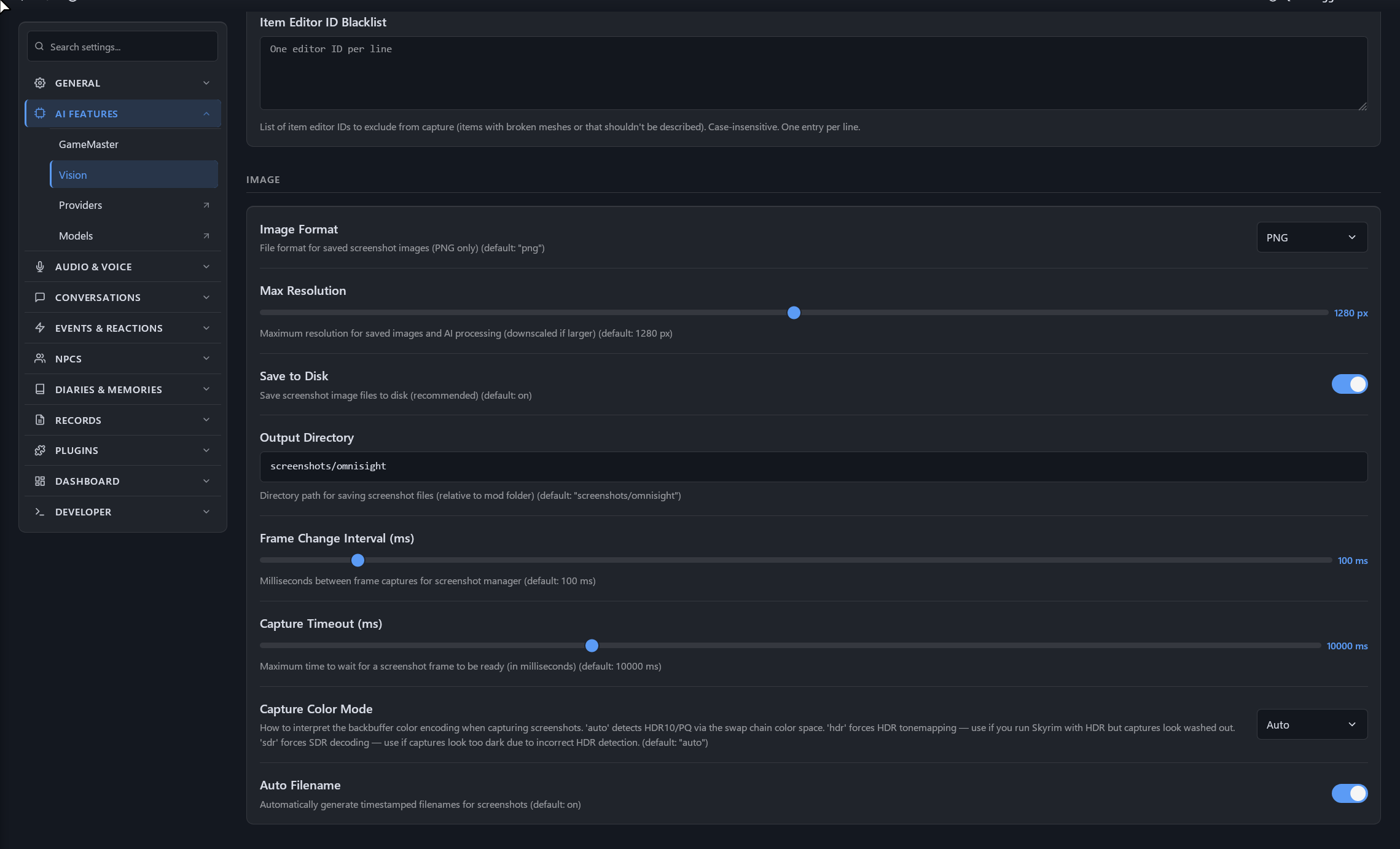
Limits
You can set capture limitations per game session and per time, for a complete budget friendly setting ( though it is very a inexpensive feature)