Getting Started
Make sure all dependencies were correctly installed
🔧 Essential Dependencies
These are required for SkyrimNet to function at all:
- [Skyrim Script Extender (SKSE)] https://skse.silverlock.org/
- [Address Library for SKSE Plugins] https://www.nexusmods.com/skyrimspecialedition/mods/32444
- [PowerOfThree's Papyrus Extender] https://www.nexusmods.com/skyrimspecialedition/mods/22854
- [PapyrusUtil SE] https://www.nexusmods.com/skyrimspecialedition/mods/13048
- [Latest Microsoft Visual C++ Redistributable] https://learn.microsoft.com/en-us/cpp/windows/latest-supported-vc-redist?view=msvc-170
- [Native EditorID Fix] https://www.nexusmods.com/skyrimspecialedition/mods/85260
- [Prisma UI] https://www.nexusmods.com/skyrimspecialedition/mods/148718
🚀 CUDA Build Requirements (will slightly accelerate your STT whisper model)
- NVIDIA GPU with CUDA support - https://developer.nvidia.com/cuda-12-9-1-download-archive
CUDA Toolkit 12.x (⚠️ install version 12.xx not the recent 13.xx, or your dll wont start!!!)
📋 Optional Dependencies
- [UIExtensions] https://www.nexusmods.com/skyrimspecialedition/mods/17561 Required for in-game text input and the Input Wheel UI.
🎮 Version-Specific Requirements
For Skyrim SE (without ESL support)
- Backported Extended ESL Support (BEES)
For Skyrim VR
- Skyrim VR ESL Support (Use this instead of BEES)
🌐 External API Requirements
-
LLM Provider:
OpenRouter API Key
(or any compatible OpenAI-style API)you should need to use the paid models, since free ones will be very slow, dumb and rate-limited, leading to malfunctions
Start the game. Open the SkyrimNet MCM, go to the Overview tab, and click the link to open the web ui.
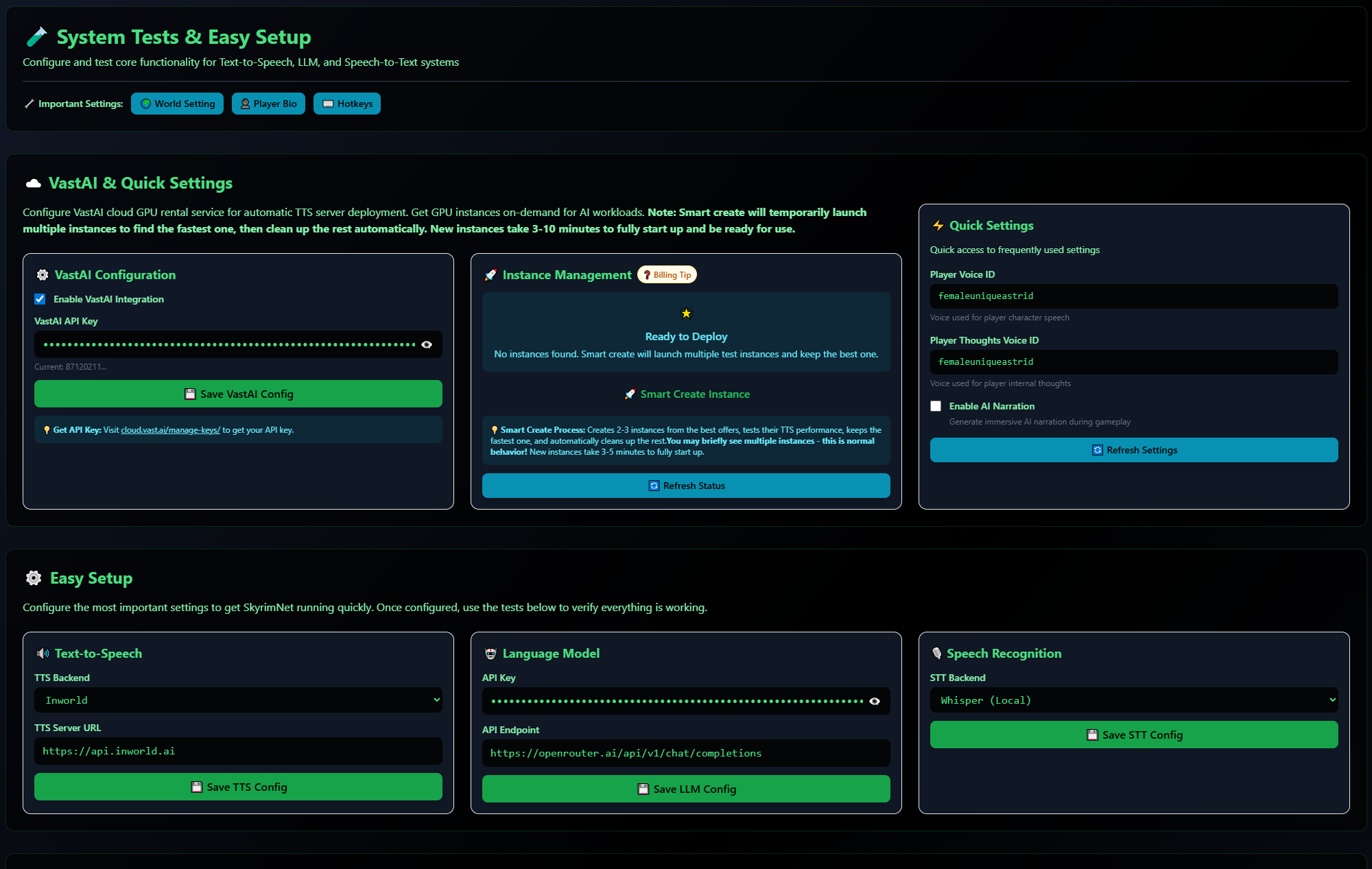
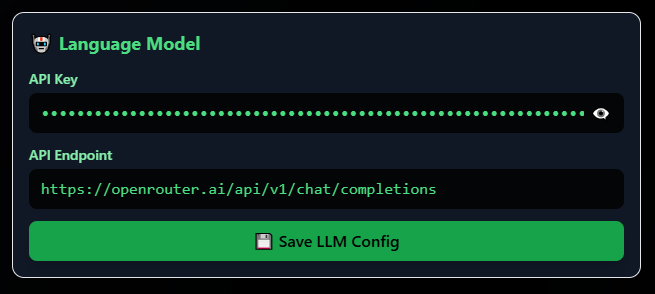
If you just want to get started immediately, then enter your OpenRouter API key in the Test & Easy Setup page. (OpenRouter is the recommended service)
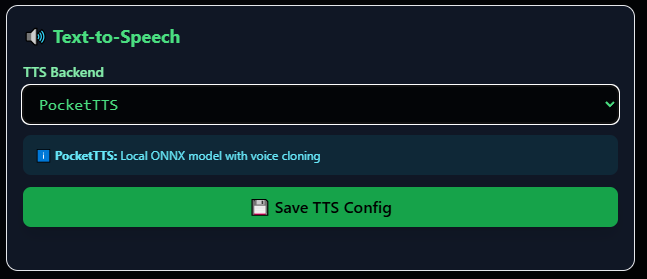
Select a TTS ( Text-to Speech) solution. Piper and PocketTTS are already included with SKyrimnet.
Piper just requires you to download the npcs voice models first. Is extremely lightweight on your system and fast, good enough for immersion, while being the "lesser" of them all, quality wise. PocketTTS will allow any voice from your modlist to be automatically cloned, when you speak with an NPC ( takes a few seconds on the first conversation). It runs well on a modern CPU, so will keep your graphics card free to just run the game.
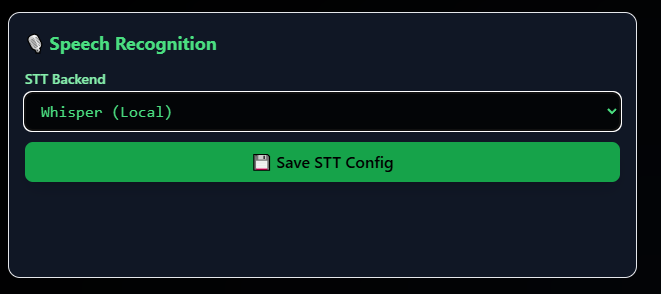
Select an STT (Speech to Text) solution. It will detect your voice, if you prefer to use it, instead of input text.
Skyrimnet prepared with a software called "whisper". The model itself will be automatically downloaded on game start. There are several sizes of model. The small model will be fast and good enough for general use, though the bigger the model the more accurate with recognizing specific names.
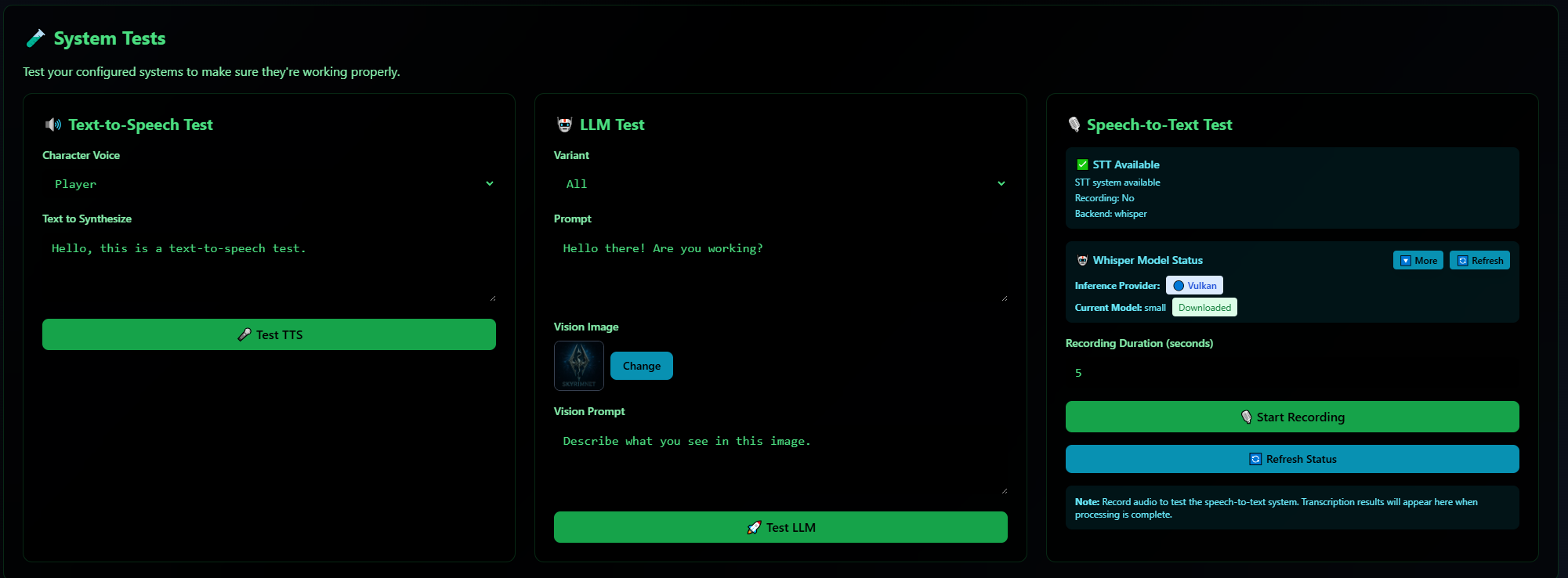
Optionally test your setup, to make sure everything is working ( remember that "Whisper STT" will require downloading)
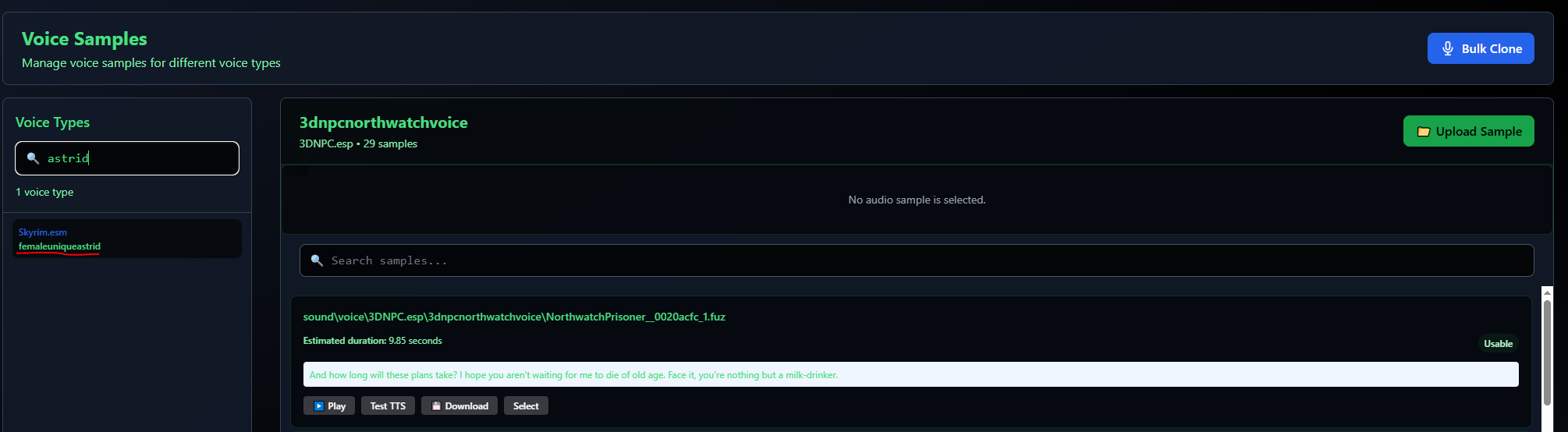
You can now select a voice id for the player character. If you are unsure you can browse them in the Web Ui , in the Voice Samples
Choose if you want Narration (where a narrator voice will describe events in the third person, for immersion ), enabled or not ( you can change it at any time)
Your setup will now look like this
( the "Vast Ai" and "Instance Management" boxes are not required at all, unless you want to rent a cloud GPU to run your TTS, dont worry about that now.)